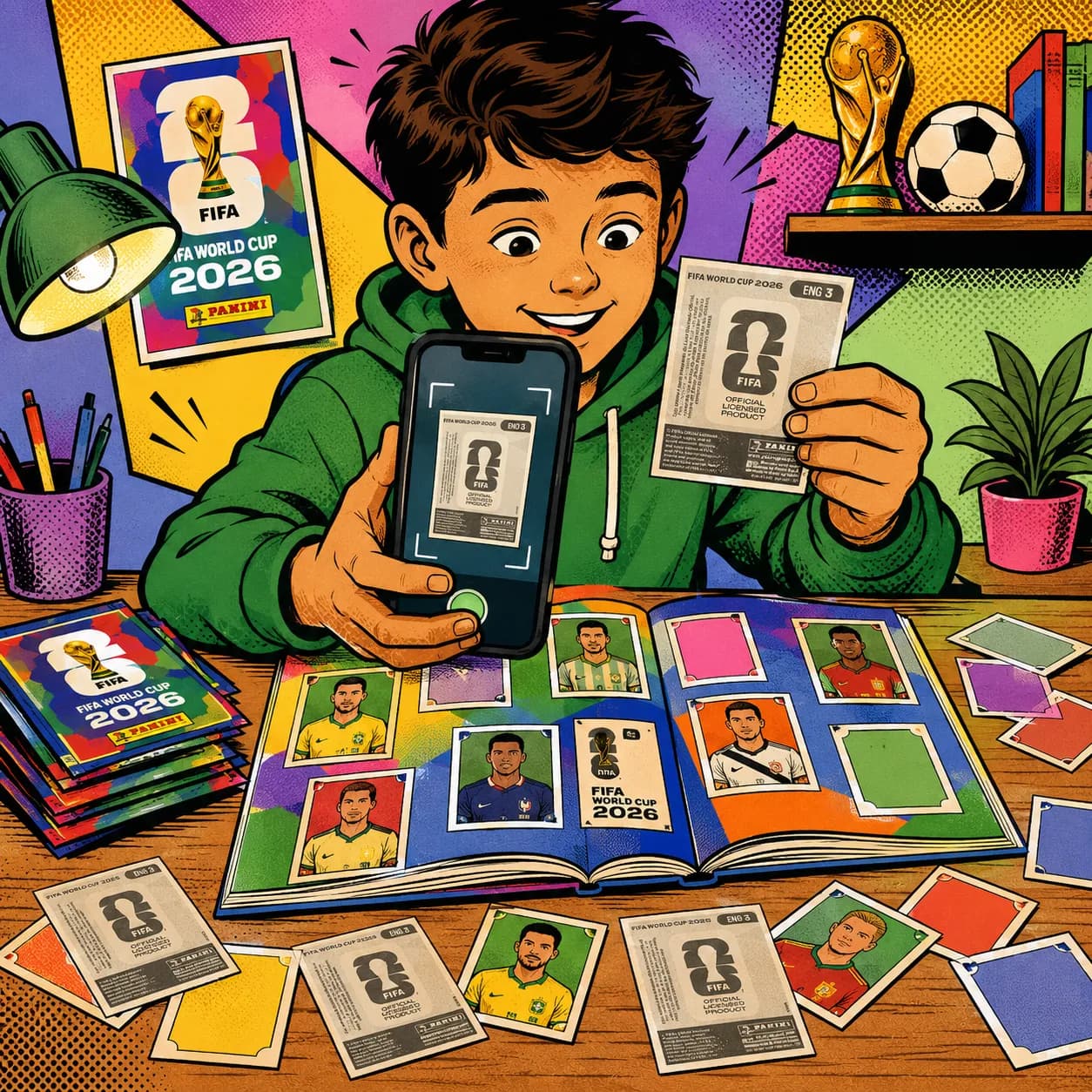
How to scan sports stickers with the camera
A practical guide to how to scan sports stickers with the camera with Figu: track your collection, find duplicates and get trades ready without internet.
Updated June 21, 2026
Why it matters
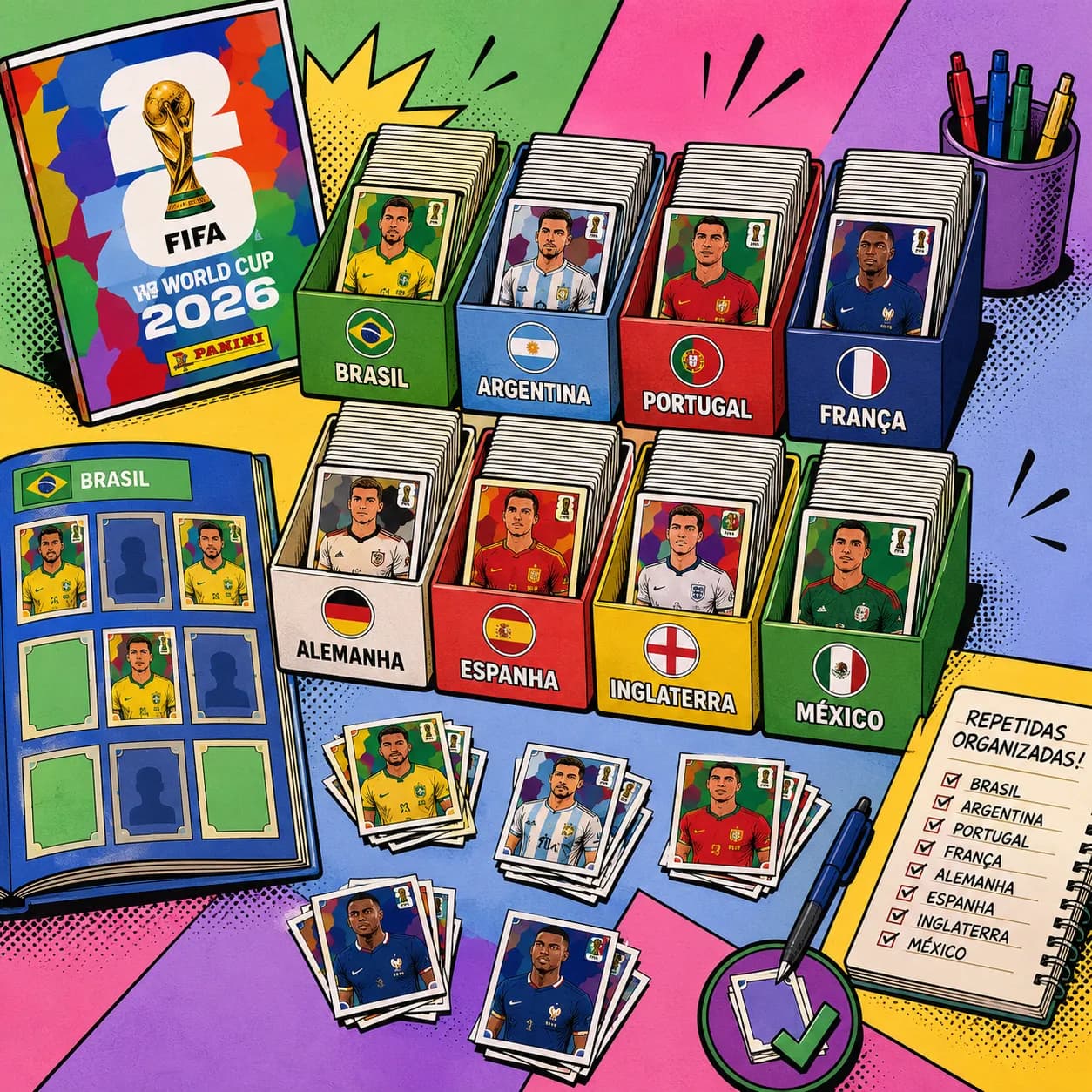
Sports sticker albums are more fun when you know exactly what you own, what is missing and which duplicates can become trades. Paper lists, spreadsheets and memory start to break down as the collection grows.
Figu keeps that routine on your phone: mark stickers, follow progress by team or section and keep everything ready for the next pack or the next trade.
How Figu helps
The camera reads the sticker code, the app updates your collection and duplicates are grouped automatically. When you meet another collector, a QR Code compares both collections and shows the possible matches.
Everything works offline and without an account. Your data stays on the device, so the app stays lightweight at home, at the shop, at school or at a trading meetup.
Recommended flow
After every pack, log new stickers and confirm duplicates. Before buying more, check progress by section. Before trading, open the QR Code and let Figu compare both collections.
That small habit cuts blind purchases, protects useful duplicates and makes the product ready for future sports sticker albums too.
Independence and privacy
Figu is independent, 100% free, offline, account-free, ad-free and subscription-free. It is not affiliated with official leagues, publishers, or brands.
Frequently asked questions
Can Figu support more than one album?
The brand is now built around sports stickers in general. The current collection stays organized, and the product foundation is ready for future sports albums.
Do I need internet?
No. Scanning, marking, viewing duplicates and preparing trades all work offline.